
February 14, 2026
How to Change App Icon in Flutter
This blog is about how to change the app icon in Flutter projects.
In this post, I’ll share how to set up the app icon. I have divided the whole process into 5 steps. Let’s learn each one.
App Icons
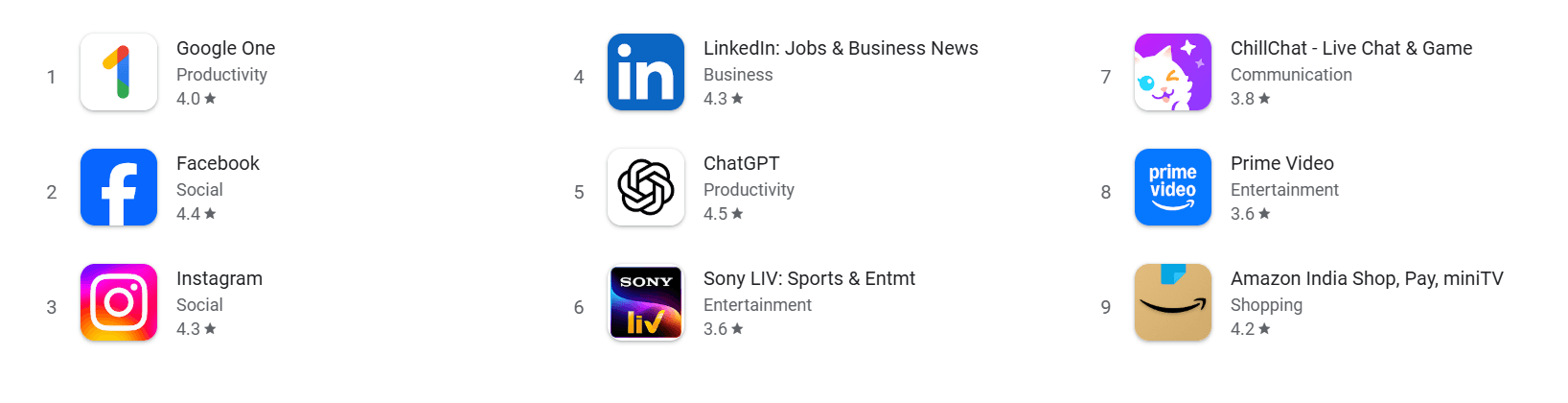
- Usually, when you download any app from the Play Store, the app will have its own icon that represents its category.
Locate the App Icon Files
- When we create a new Flutter project, it comes with a default Flutter icon. So first, we need to understand where these icons are stored.
- The icons are located in
android/app/src/res. - You can see 5 folders with the same icon in different resolutions. These files are responsible for the app icon.
- The reason why there are 5 different resolutions for the same icon is because Android apps run on many devices with different screen sizes and pixel densities.
- This helps avoid situations where the app icon looks good on some phones and blurry on others.

Generate App Icon
- Some people design their own app icons.
- If you don’t have one, you can use tools like
https://logoipsum.com/to generate an icon and modify it later.

Generate Icon Files
- Now we know the location and we have an icon.
- Next, we need to generate different resolutions of the icon to replace the default one.
- To generate app icon files, use
https://www.appicon.co/to get different sizes for your app icon.

Replace the App Icon Files
- Once the app icons are generated, open the folder.
- You will find the files inside the
androidfolder. Copy them. - Go back to your code editor, right-click on the
resfolder and open it in the file explorer. - Delete the default app icon files and replace them with the new files you copied.

Restart the App
- After adding the new app icon files, restart your app.
- Let it reload the icons.
- Once it is done, you will see your new app icon.
Recommended for you
Jul 30, 2026
Finally, An Alarm That Actually Wakes You Up
Most alarm apps try to wake you up with louder sounds and more features. But what if the real problem isn't waking up? Let's break down how one simple app solved the problem by asking a better question.
Mar 7, 2026
What To Do If Your Play Store App Breaks After an Update (Real Experience)
Accidentally published a broken update to the Play Store? Learn how to stop the rollout, prevent the update from spreading to more users, and recover quickly while fixing the issue.