June 6, 2025
React Native Errors and Warnings
Learn how to handle errors and warnings in your React Native application.
1. SDK Error
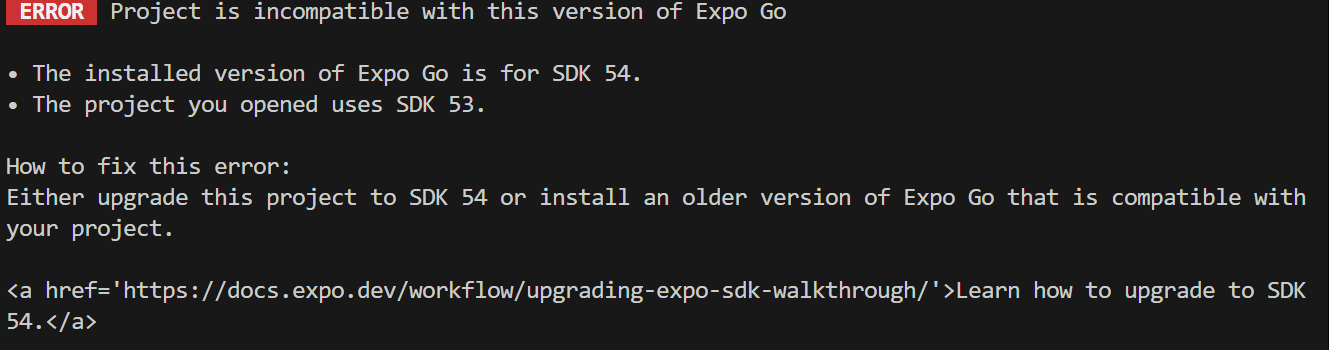
- Cause: This error occurs when your project is outdated with the latest React Native SDK.
- Solution: Update your project to the latest React Native SDK version. You can do this by running
npm install expo@^54.0.0
2. Cannot find module 'react-native-reanimated'
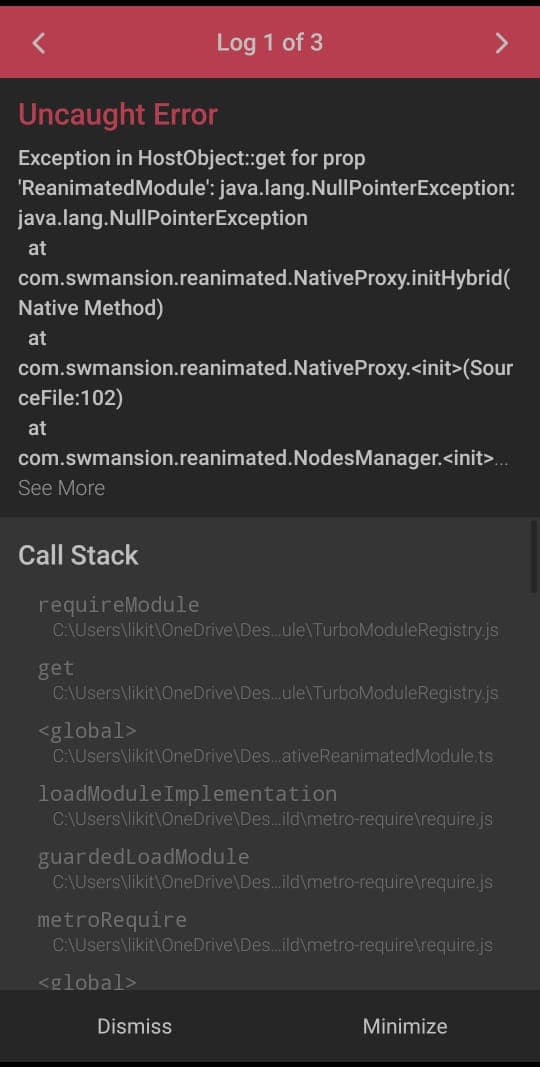
- Cause: This error occurs when the
react-native-reanimatedpackage is not installed in your project.- Solution: Install the
react-native-reanimatedpackage by running the following command:expo install react-native-reanimated
- Solution: Install the